The biggest ideas from

all in one place.
read the recap

Most ITSM platforms give you AI features so you can manage incidents. Atomicwork gives you an AI Workforce that can run incident management for you — designed to handle everything from root cause analysis to investigations to post-mortem analysis.
Most ITSM platforms give you AI features so you can do the job. Atomicwork gives you an AI Workforce that can do the job for you. Design and deploy an Incident Management team that can handle everything from root cause analysis to investigations to post-mortem analysis so you can focus on building and not triaging.
.avif)
AI Coworkers handle the routine incident management so your service teams can focus on the exceptions
 Datadog
 Pagerduty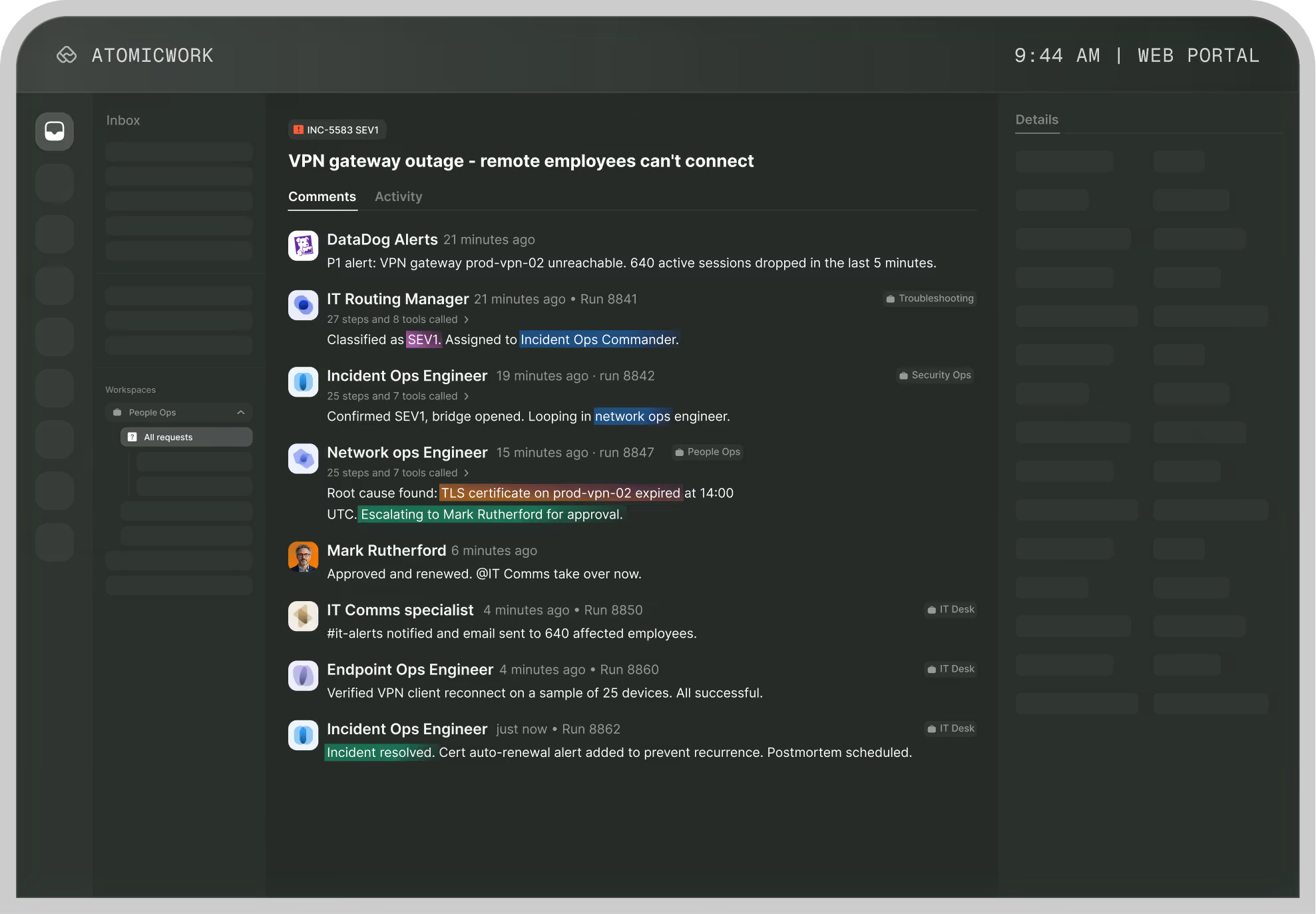

Responsible for monitoring health and investigating anomalies.


Break incidents down by severity, affected parts, custom attributes and more.
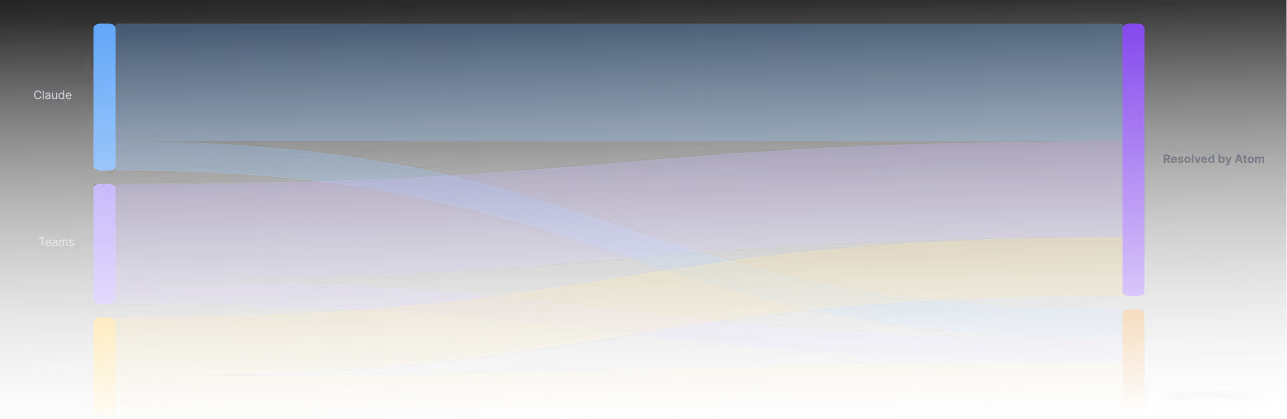

Get notified via Teams and Slack so you can acknowledge major incidents and kickstart the workflow.

Get root cause recommendations based on similar past incidents and what actually resolved them.
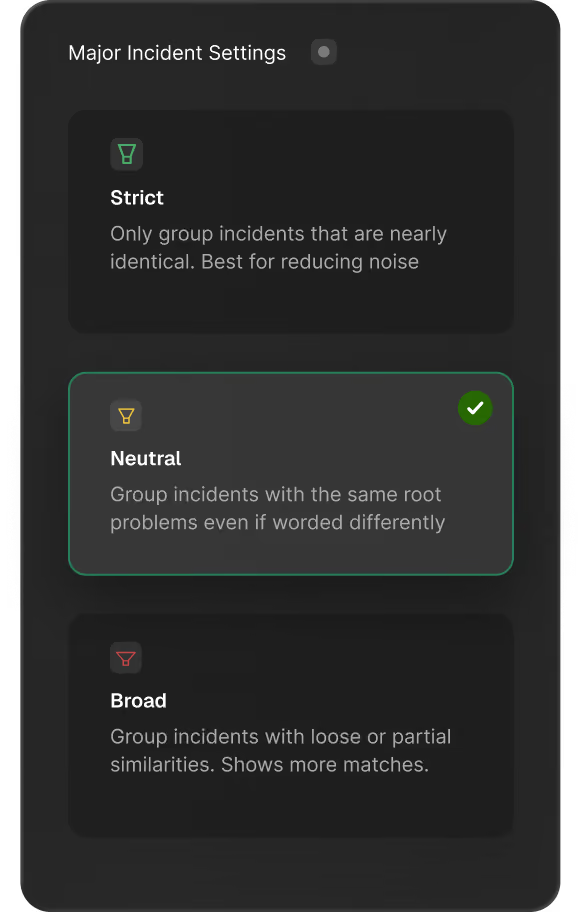
Choose your own incident threshold so your teams don't go down every rabbit hole.
Sync alerts from monitoring tools like Datadog, PagerDuty, incident.io, and New Relic, and vulnerability scanners like Rapid7.

Promote any incident to a major incident manually, so agents and admins aren'twaiting on AI to catch what they already know.

Route pages to the right on-call engineer in Slack or Teams
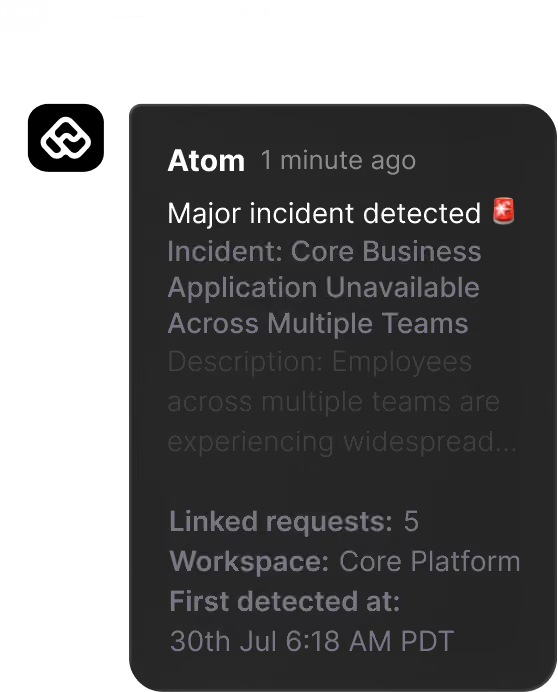
Cluster incidents intelligently so incident management doesn't have to wait on humans to begin.
BUILT WITH ENTERPRISE-GRADE SECURITY AND COMPLIANCE.


Delightful support in the flow of work
End-users get instant answers and resolutions in the flow of work through the browser, Slack, Teams, and email via chat, voice and vision capabilities.
Learn moreAI Coworkers that own job roles, not just tasks.
AI Coworkers own full job roles, not just isolated tasks, so IT gets 10x the service capacity, lower cost per ticket, and faster MTTR without adding headcount.
Learn moreGovern your AI Workforce, like your people.
Manage your AI Workforce the same way you manage your people for clear ROI, round-the-clock coverage, and a hybrid workforce operating model.
Learn moreDelightful support in the flow of work
End-users get instant answers and resolutions in the flow of work through the browser, Slack, Teams, and email via chat, voice and vision capabilities.
Learn moreAI Coworkers that own job roles, not just tasks.
AI Coworkers own full job roles, not just isolated tasks, so IT gets 10x the service capacity, lower cost per ticket, and faster MTTR without adding headcount.
Learn moreGovern your AI Workforce, like your people.
Manage your AI Workforce the same way you manage your people for clear ROI, round-the-clock coverage, and a hybrid workforce operating model.
Learn more