The biggest ideas from

all in one place.
read the recap

Enterprise information, just an Atom ask away in 5+ channels including Slack, Teams, and the browser.
Request demo
.avif)
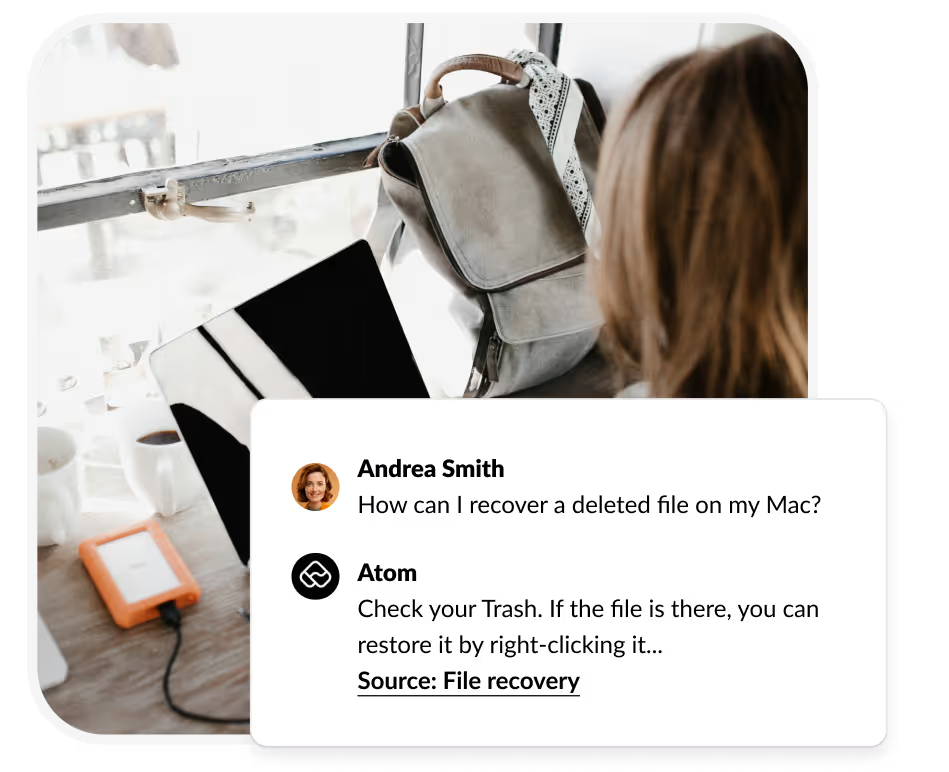
Remembering which SharePoint site/doc has the answer to your question is an art that needs to be lost. Now, all your employees have to do is ask Atom inside Microsoft Teams or Slack.
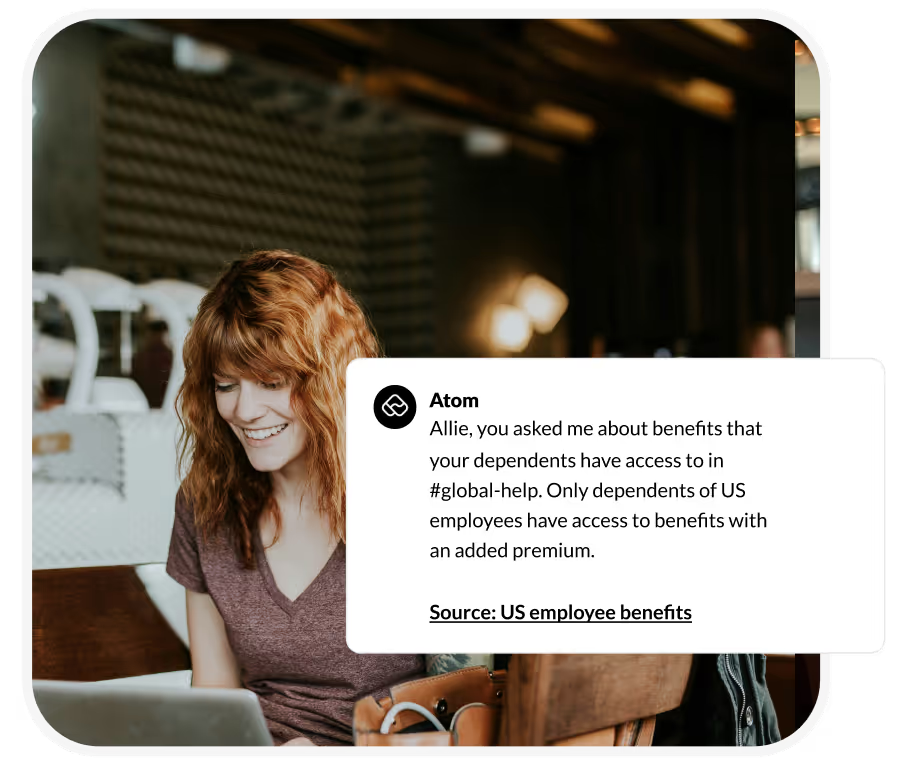
Atomicwork respects and inherits permissions from SharePoint so Atom will only serve answers to employees who have access to the source document.
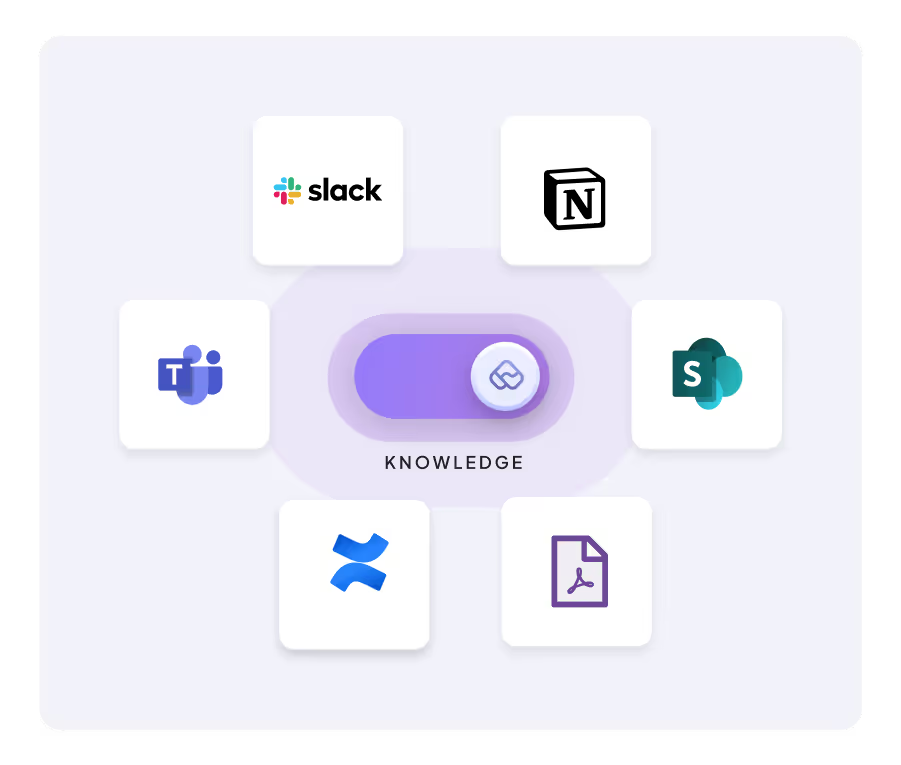
Atom learns continuously and updates its knowledge every few hours from SharePoint so your team can just connect Atomicwork and SharePoint and work in peace, knowing there’s a continuous flow of knowledge.


Everything you need to make your employees efficient
Cut down on busy work by giving your employees an AI Assistant that can find information they need, when they need it.
Atom automatically learns from the source documents every few hours to keep it fresh ✨ You can also manually initiate a sync, if you can't wait!
Employees only get relevant, personalized answers and services; permissions can be inherited from sources or configured in Atomicwork
Atom automatically masks PII in conversations and doesn't ingest from knowledge sources either.

Atomicwork is an AI-native ITSM and ESM platform that comes with an AI Workforce to run it. Its governed AI Coworkers handle access management, incident response, onboarding, and other enterprise service delivery work end-to-end — across IT, HR, Finance, etc.
Atomicwork integrates with other Microsoft apps like Teams, Azure AD and Intune to help IT teams deliver exceptional employee experiences. Employees can use Atomicwork's proprietary AI Assistant, Atom, to access information from SharePoint in Microsoft Teams; IT teams can setup workflows to automate a range of operations across Azure AD and Intune.
Sign up for a free demo of Atomicwork and someone from our team will walk you through our product. Once we find a good fit, we'll get you set up with a limited environment to try the product before purchasing it.
Atomicwork syncs with SharePoint every few hours to make sure information is in sync with the source.
All data transmitted between Atomicwork and SharePoint is encrypted, and access controls are in place to ensure only authorized users can connect and manage the integration. Information is taken only from specified sources and served only to employees who have the right permissions.
Learn how you can leverage Sharepoint's built-in asset management functionalities to manage your IT assets.
How Atom can intelligently automate and centralize software access provisioning process through Microsoft Entra.
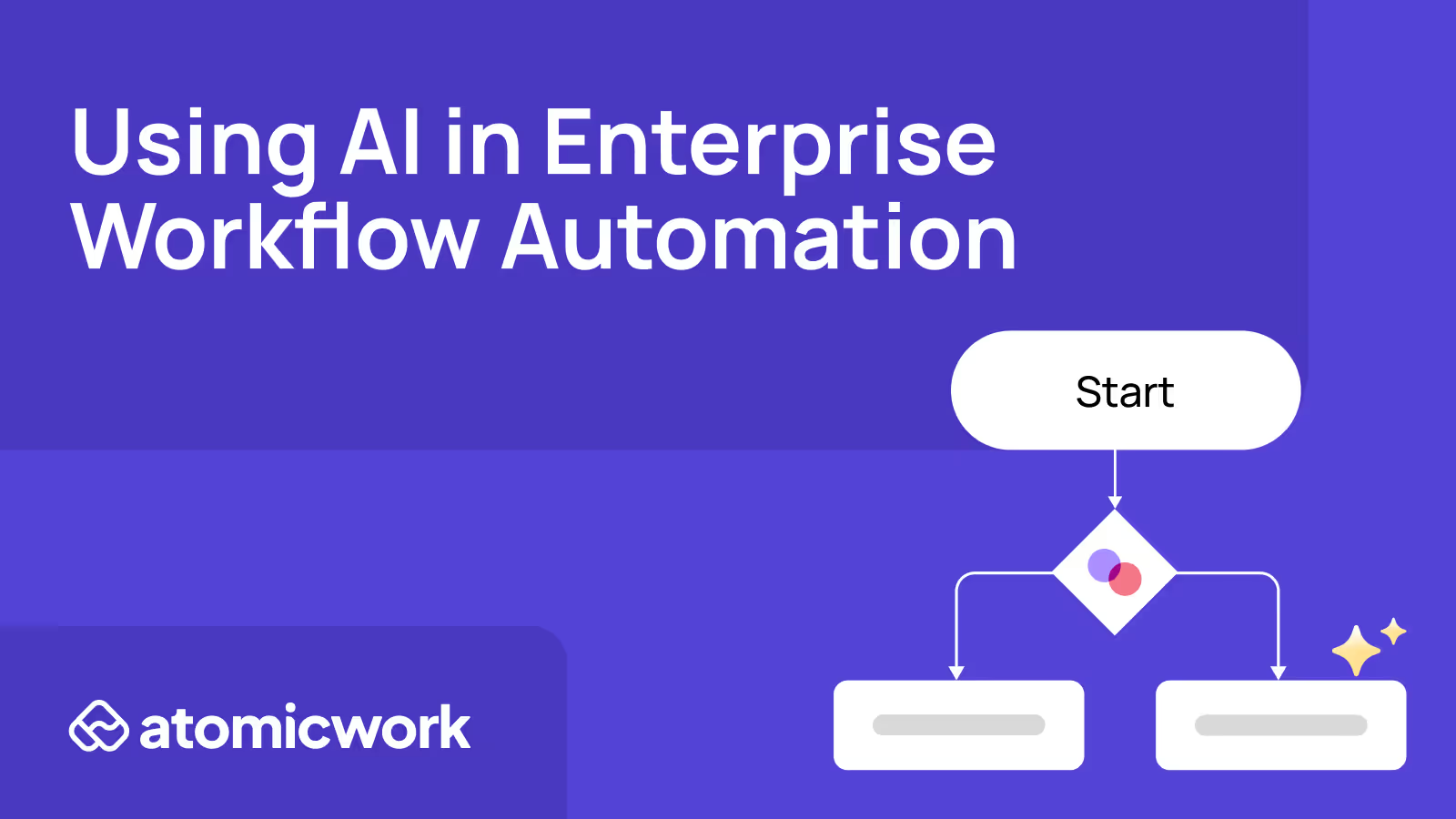
AI workflows can help businesses break the constraints of traditional workflows that are rigid and siloed to deliver positive end-user experiences.


