The biggest ideas from

all in one place.
read the recap


 onboarding manager
Workflows do exactly what you wrote. AI Coworkers figure out what's actually needed to solve the problem.
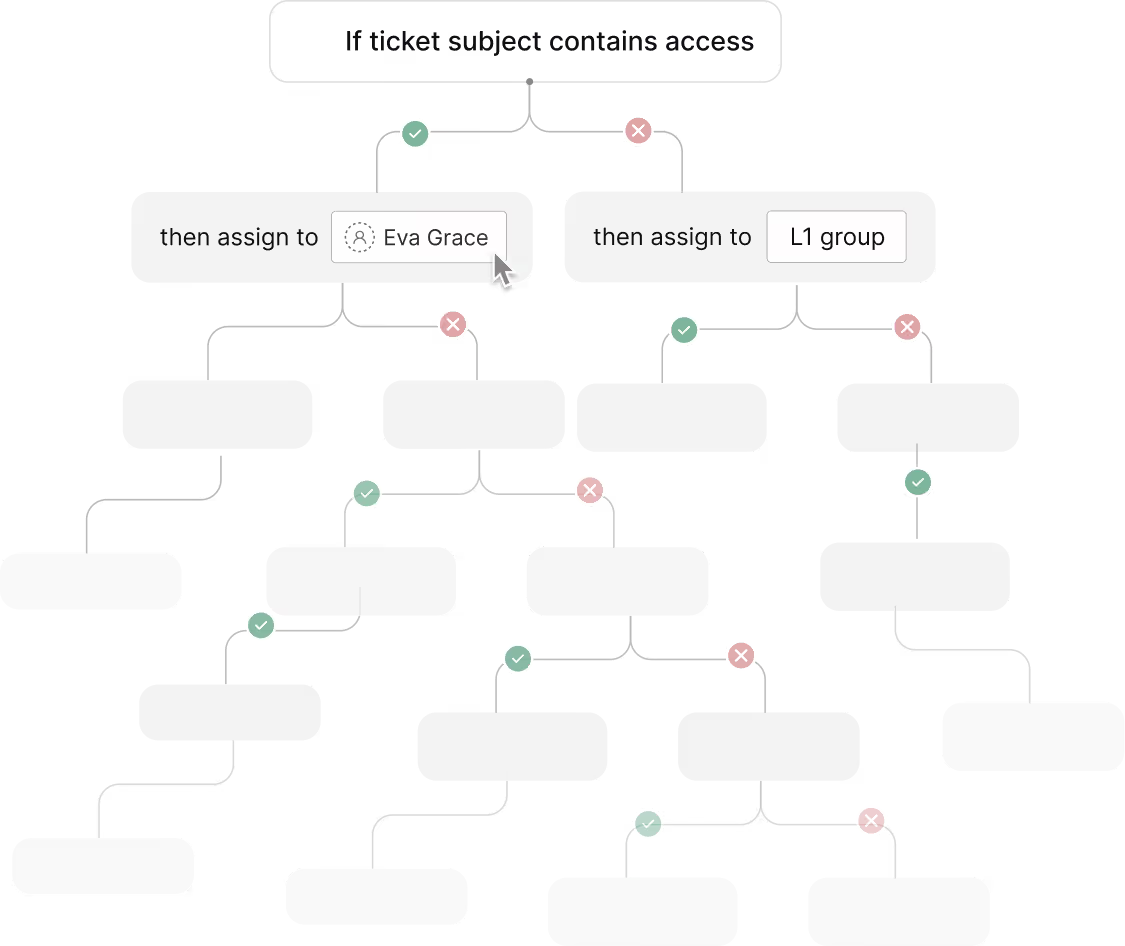

Describe the role in a few sentences and the rest writes itself. Tweak when you want. No flowcharts. No drag-and-drop spaghetti.

Identity
Who they are. How they speak. Where they belong.
Goal
What they're accountable for. What they own. The lines they won't cross.
Skills
The procedures they know. Built once, reused everywhere.
Tools
Your apps. Via native integrations or MCP.
.avif)
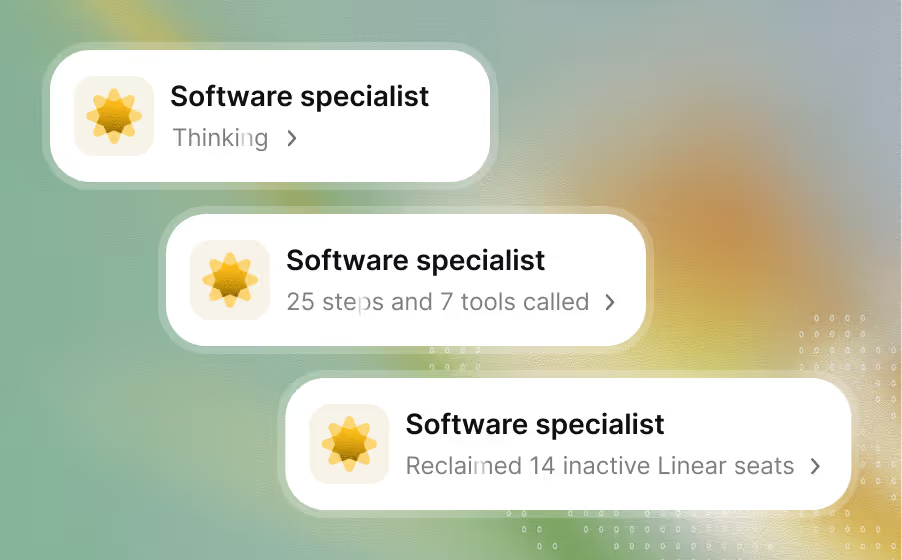
Investigate, execute, close the loop. Work that doesn't stop at drafts or summaries.
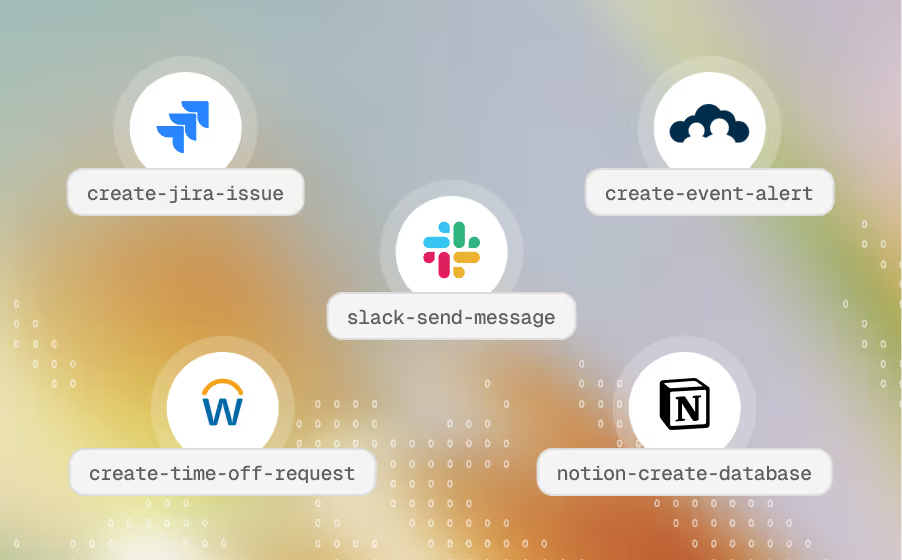
Refresh stale tokens, run RCAs, coordinate cross-team onboarding, draft contracts.
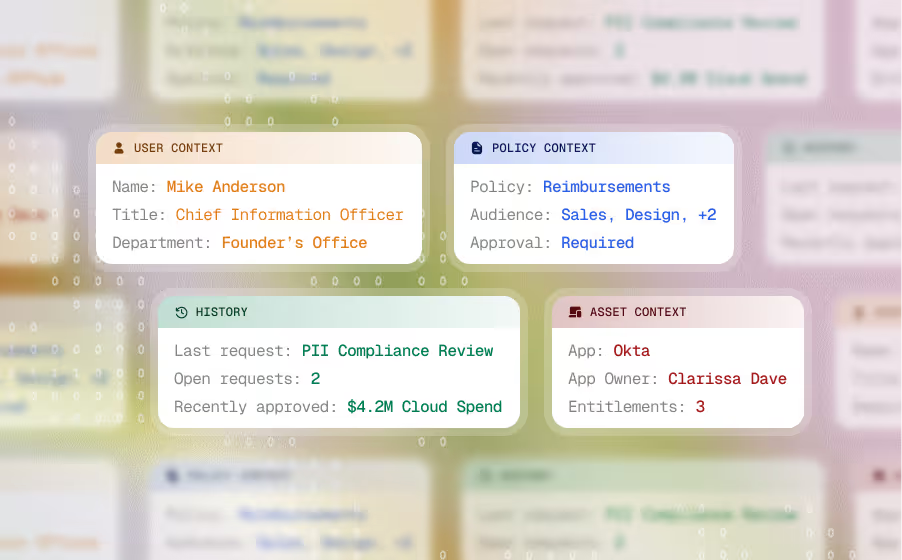
AI Coworkers know your policies, people, assets, and history. Your context, baked in.
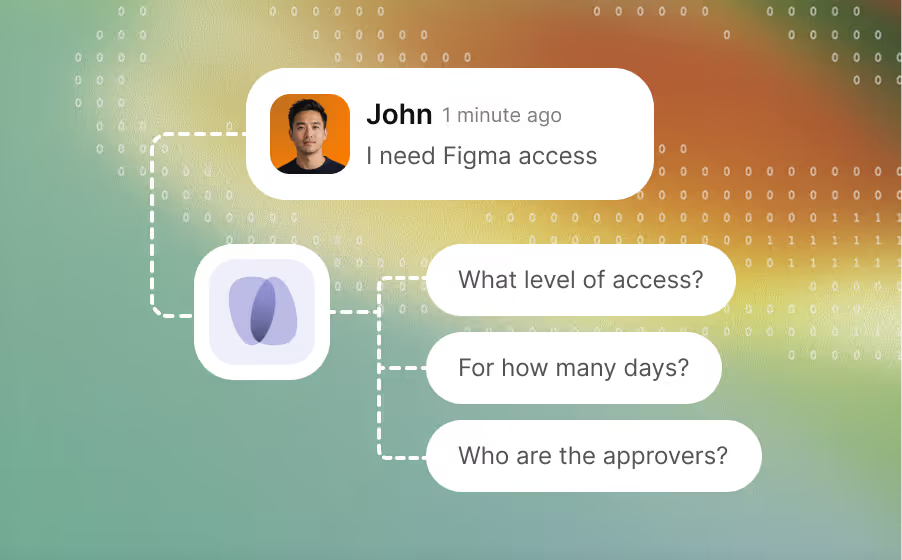
Real tickets aren't clean. AI Coworkers work through incomplete inputs and edge cases.
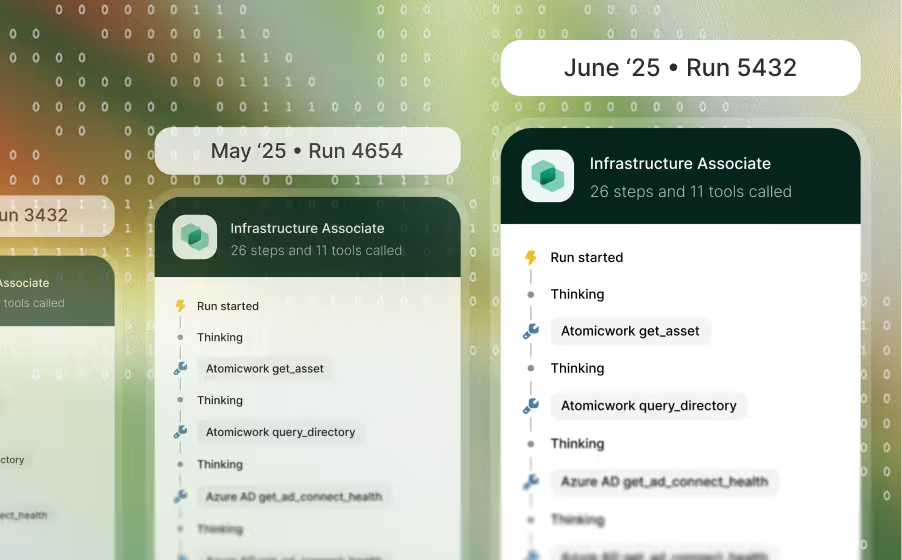
Nightly cleanups, weekly reviews, monthly audits. Set it once, let it run forever.
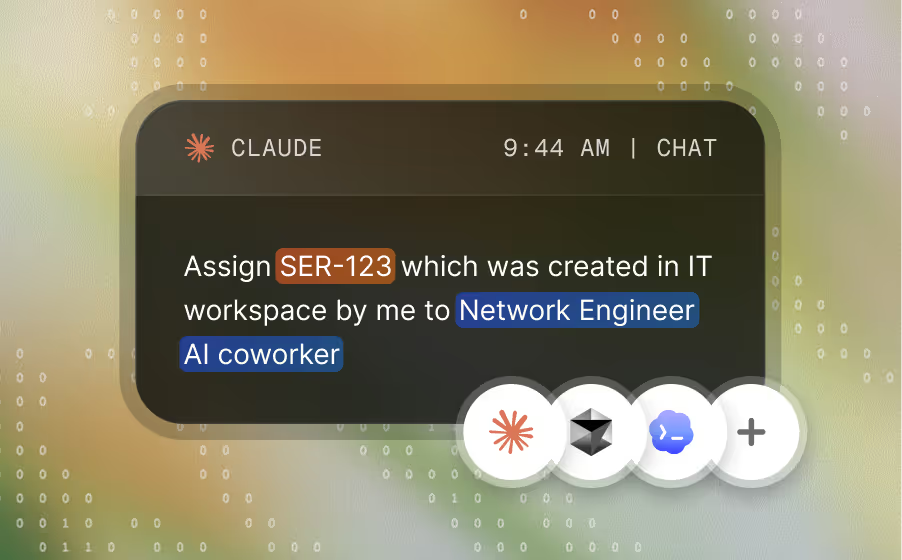
Work with your AI Coworkers from Claude, Cursor, Codex, or any MCP-compatible client.
A specialist picks up the ticket. The next one tags in when needed. Humans get the full picture when they're called in.
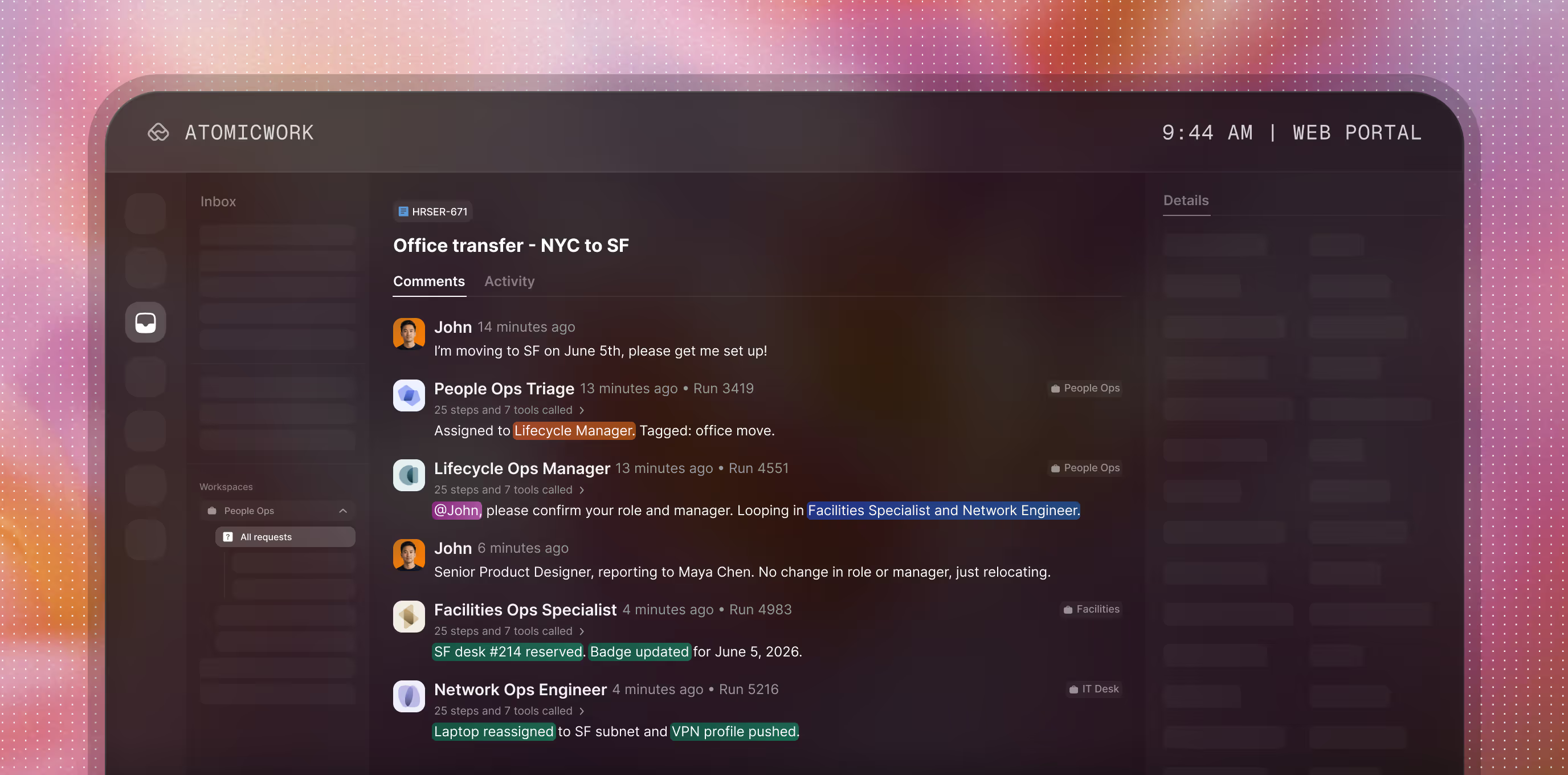
Smart routing
AI Coworkers tag in, hand off, and assign work across IT, HR, Finance, or Legal.
Multi-AI Coworker swarms
Complex issues bring in a team that investigates, acts, and closes together.
Context that travels
Every handoff carries the full history. No re-explaining, no lost threads.
Human escalation
When AI Coworkers hit a limit, humans tag in with the full picture, not a fresh ticket.





Purpose-built AI Coworkers, ready to deploy. Or build your own.





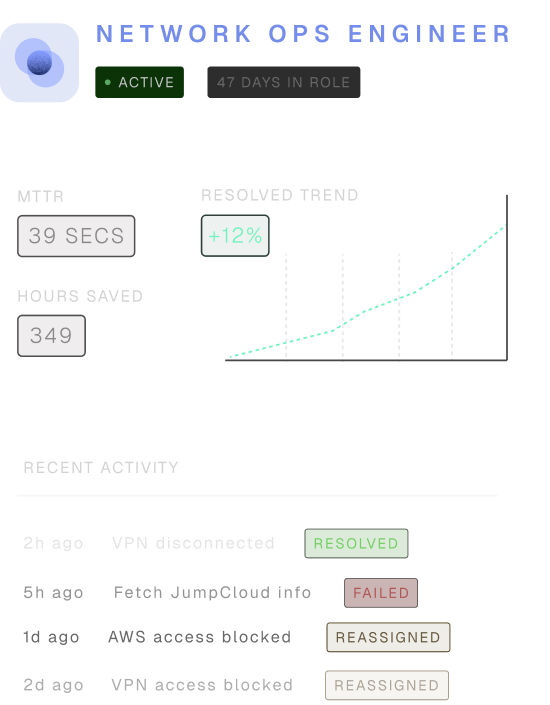
A chatbot answers a question. An AI agent does a task. An AI Coworker owns a role. Each Coworker is built around a specific job — Hardware Support Engineer, Access Manager, Phishing Triage Specialist, Onboarding Manager — with a defined goal (what work they're accountable for), an identity (who they are and who they serve), and the skills and tools they need to do the work. They handle requests end-to-end, hand off cleanly to other AI Coworkers or humans when something falls outside their lane, and stay accountable to the budgets, permissions, and audits you set.
You can choose one of two pricing formats: Usage-based runs on credits. Every time a Coworker completes a job, it draws from your plan. Simple work — like answering a policy question from your KB — draws lightly. Multi-step investigations that call multiple tools draw more. Plans start at $25,000/year for 25,000 credits and 5 Coworkers. Outcome-based is per resolved outcome — $1 for a Knowledge outcome (a policy question answered), $2 for an Access outcome (an app provisioned end-to-end), $3+ for a Service outcome (an incident resolved). See the Atomicwork pricing for the full breakdown.
No. Atomicwork's "Bring Your Own Platform" option lets you run AI Workforce directly on top of your existing ServiceNow or Jira Service Management instance.No migration. No disruption to the workflows your team already runs. You can start here, prove ROI, and choose when you'd like to move to the full Atomicwork platform.
The AI Workforce is built on enterprise-grade controls. Atomicwork is certified for SOC 2, ISO 27001, ISO 42001 (the AI management system standard), GDPR, HIPAA, CSA STAR Level 1, CASA, and Microsoft 365 — and is trusted by customers in financial services, healthcare, and other regulated industries. Every AI Coworker's access to your systems is scoped through MCP, down to the specific capabilities it's allowed to call (read-only diagnostics, but not destructive commands, for example). Every run is logged with a full audit trail. Our broader approach is documented in the TRUST framework.
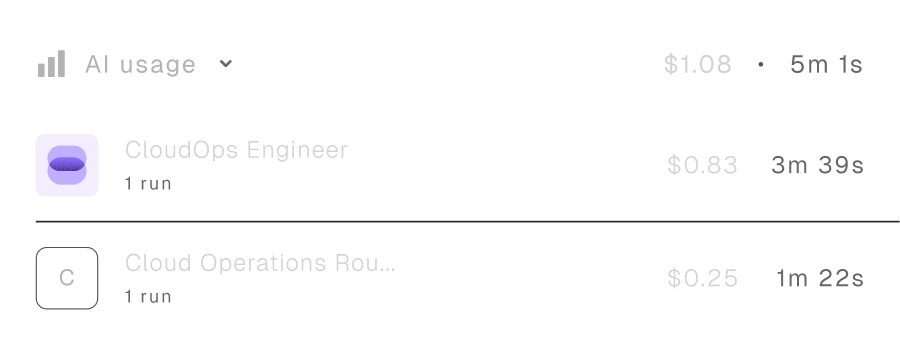
You set budgets the same way you set permissions — per AI Coworker for a specific period. Every AI Coworker gets a spend budget when you deploy it. As it approaches the limit, you get a warning. At the cap, the AI Coworker pauses for review — you can approve more credits, reassign work to another Coworker, or retire it if it's drawing heavier than expected. Sign up for a demo to see it in action.
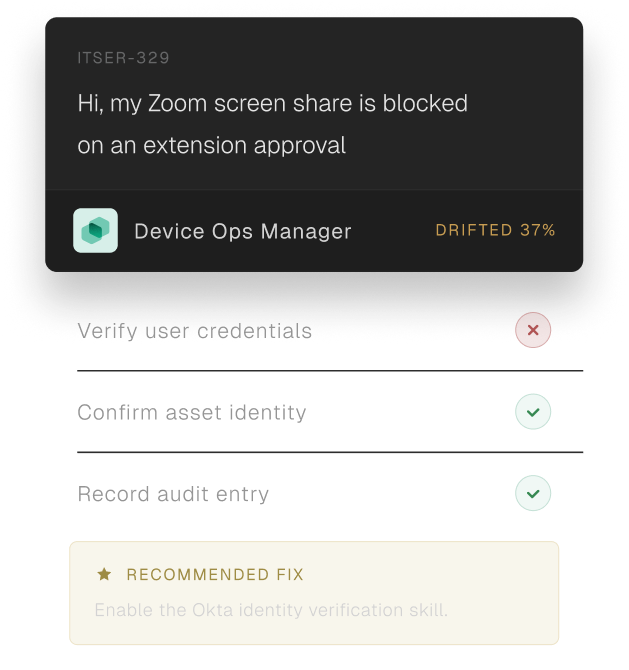
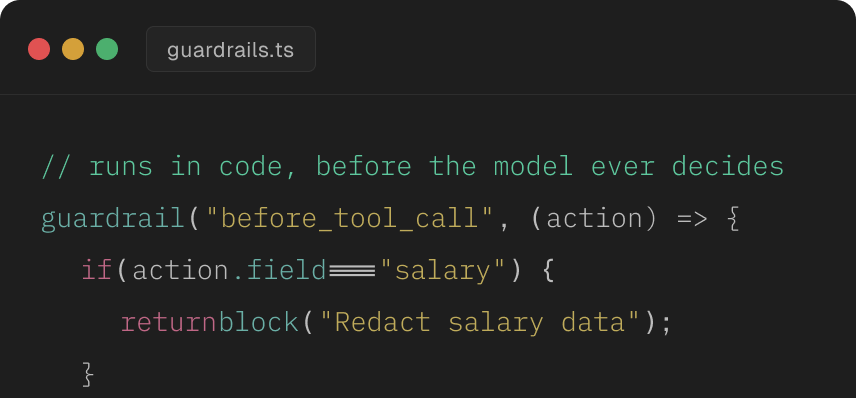
Each AI Coworker has a defined scope (what it can act on), a soul (rules it follows on every request — like "verify before acting" or "stick to read-only first"), and an escalation plan (when to hand off to a human or another Coworker). When something falls outside its lane, it doesn't guess. It hands off to a human with full context — the steps it tried, what it found, what's left to do. Sensitive actions pause for human sign-off before executing. Every run is logged and explainable, so you can audit exactly what happened. You can pause, retrain, or retire any AI Coworker at any time.


