The biggest ideas from

all in one place.
read the recap

Auto-create meetings on Google Calendar, check availability, and keep teams perfectly coordinated without chasing calendars or juggling time zones.
Request demo
.avif)
Manage schedules, plan maintenance windows and time reviews directly through your IT and workplace workflows.
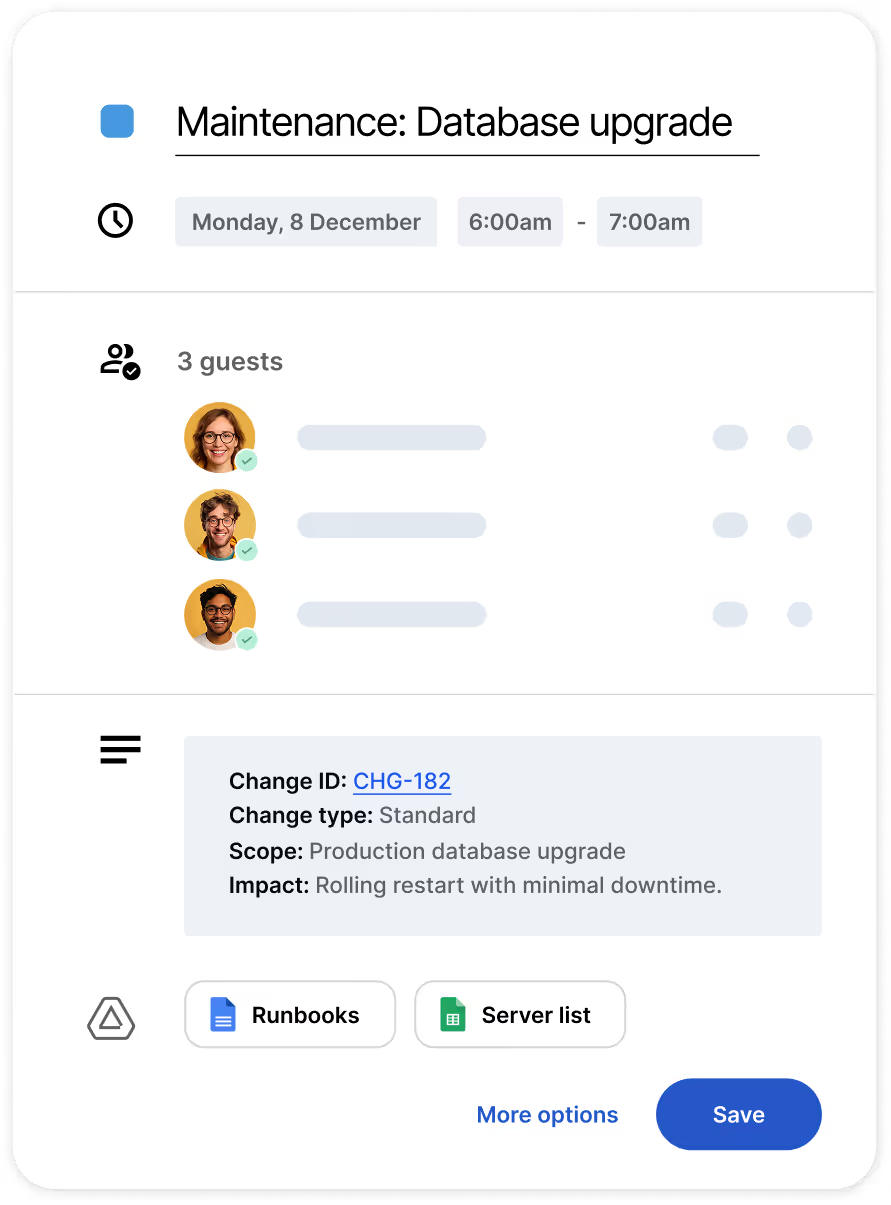
Generate Google Calendar events for incidents, changes, or approvals — complete with meeting links, attendees, and context — so teams can align immediately
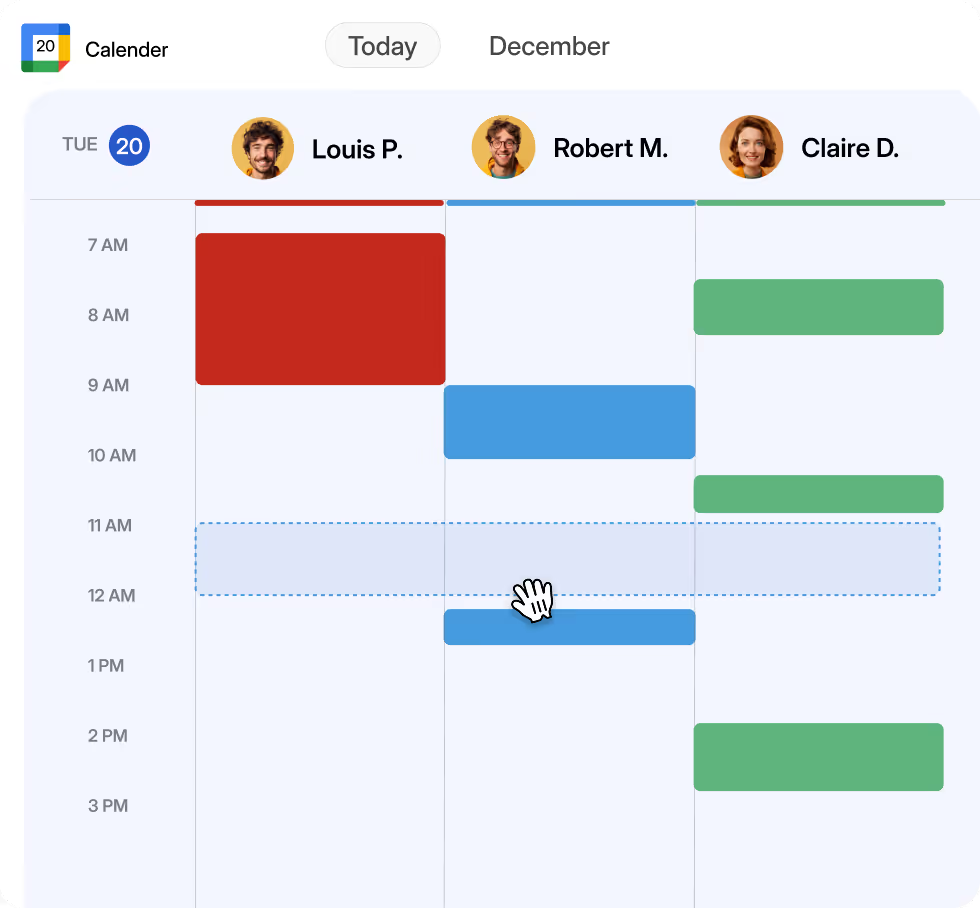
Check employee calendars, review upcoming events, and avoid conflicts ensuring tasks land at the right time with the right person.
Update, reschedule, or delete meetings automatically as work progresses. No outdated invites, no missed changes— just accurate calendars that reflect real-time work.
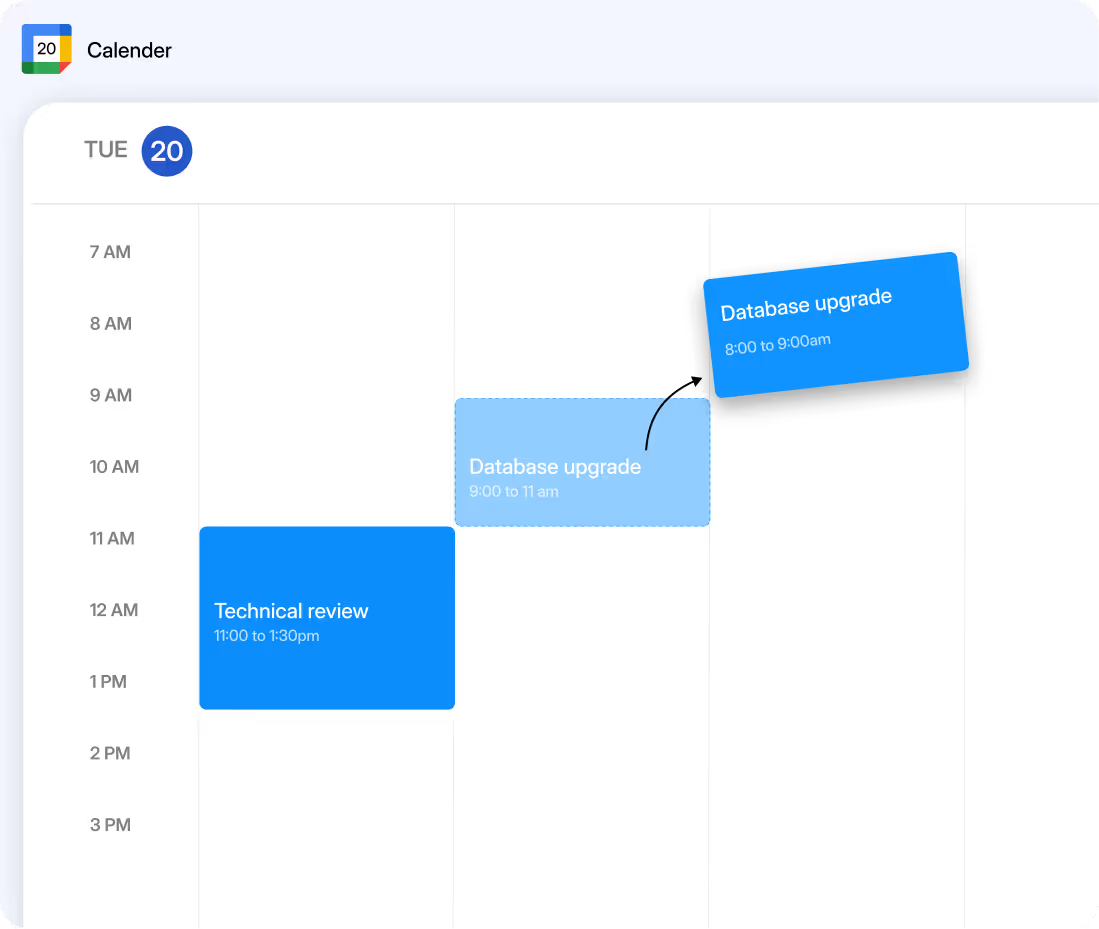


Work moves faster when timing isn’t a bottleneck. Atomicwork and Google Calendar remove the busywork by streamlining scheduling, so calendars stay clean and teams stay on track.
Create on-the-go calendar events for urgent bridge calls, CAB meetings, or follow-ups.
Surface upcoming meetings and availability so teams plan work intelligently.
Update timings, attendee lists, or details instantly, or remove events altogether.
Embed incident details, maintenance notes, and links into events so everyone comes prepared.
Use availability from Google Calendar to route tasks to people who can start immediately.
Pull meeting details, timestamps, and recurrence to vstay audit-ready always.


When should you stick to traditional workflows and when do you switch to AI agents while implementing agentic AI in your enterprise? Find out.

Backed by Khosla Ventures and Z47, along with Blume Ventures, Battery Ventures, and Peak XV, here's what the Series A funding means to Atomicwork.
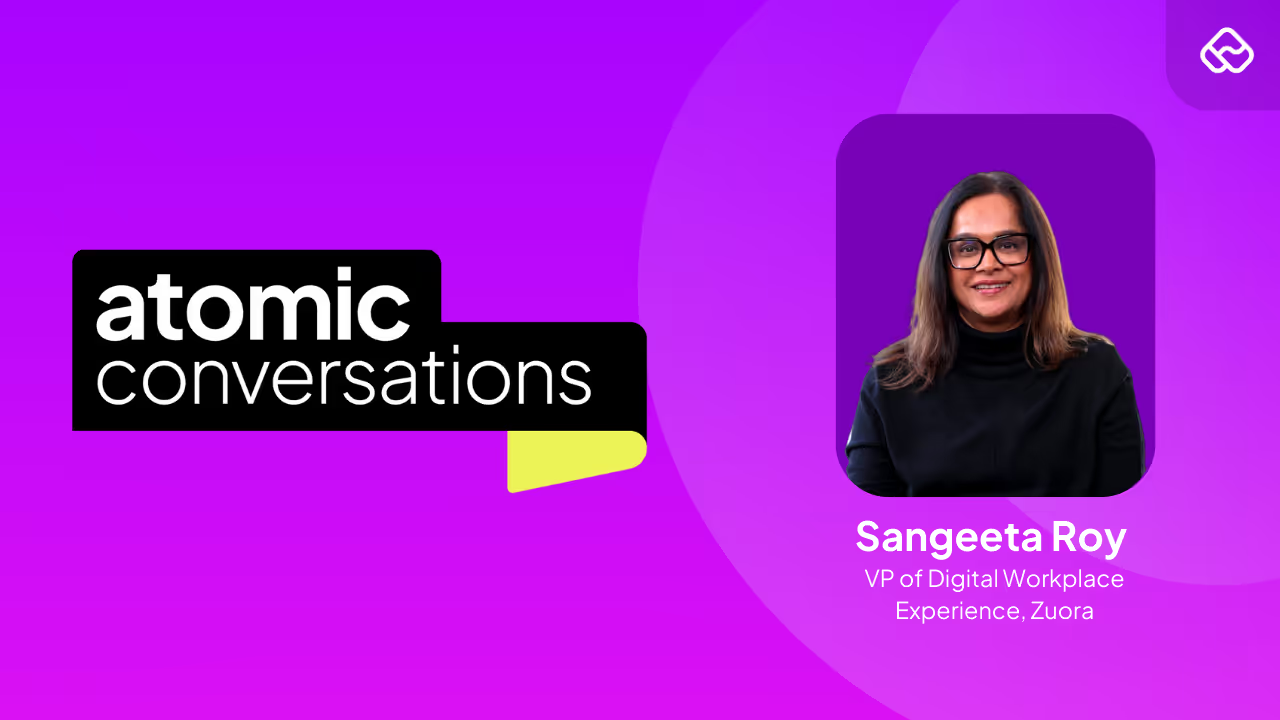
Sangeeta takes us through how Zuora relentlessly pursued removing workplace friction to make employees productive with AI.


