The biggest ideas from

all in one place.
read the recap

Move data automatically from Google Sheets to systems, without copy-paste or manual updates.
Request demo
.avif)
Keep reports current, inputs clean, and decisions fast — while your teams skip repetitive spreadsheet chores.
Use up-to-date sheet values to trigger messages, create tasks, or update systems—so projects, reports, and ops stay in sync.

Skip the manual lookups and save time by automatically fetching the exact spreadsheet data that your workflow needs.

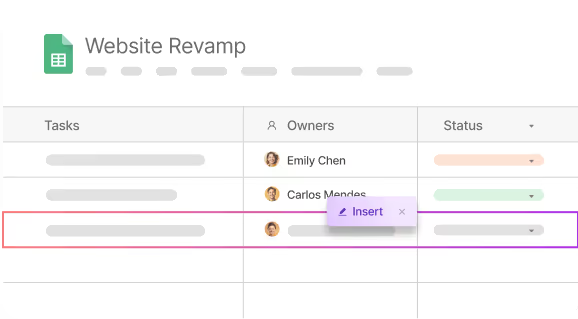
Add, update, or remove data automatically to keep records accurate and up to date.


Apple devices are sleek and secure. Yet, even they need a structured device management approach that a tight integration like Atomicwork + Jamf can help with.
Learn how you can leverage Sharepoint's built-in asset management functionalities to manage your IT assets.
From centralized knowledge discovery to AI-driven service request workflows, discover how Zuora partnered with Atomicwork for elevated employee experiences.


