
OpenClaw 101: Use Cases, architecture, and security risks
Imagine an AI agent that clears your inbox, books flights, and manages your calendar while you're walking your dog.
OpenClaw (formerly Moltbot) racked up 149,000+ GitHub stars within weeks of launch, with users calling it an "iPhone moment" for AI assistants.
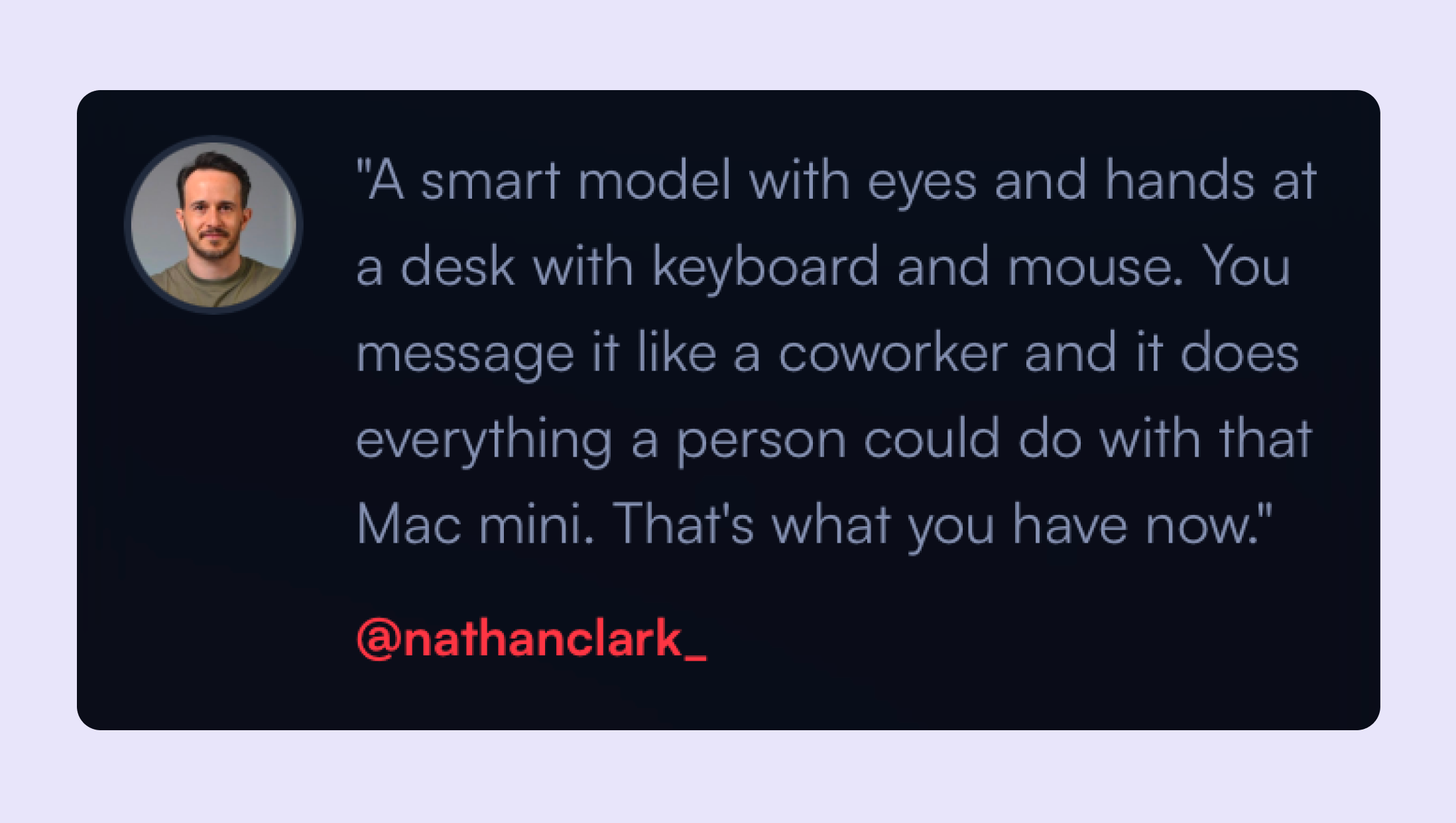
One Reddit user described it perfectly: "A smart model with eyes and hands at a desk with keyboard and mouse. You message it like a coworker, and it does everything a person could do."
Unlike standard bots, OpenClaw runs autonomously on your machine with full system access. It connects to WhatsApp, Telegram, or Discord, remembers context across conversations, and can execute tasks without constant supervision.
For IT teams watching this unfold, it's a preview of where agentic automation is headed - systems that don't just respond to commands but actually operate infrastructure, manage workflows, and handle routine operations independently.
This article breaks down what OpenClaw actually does, how IT teams might use it, and the security considerations you need to understand before letting an autonomous agent anywhere near your systems.
What is OpenClaw?
OpenClaw is an open-source personal AI assistant that runs locally on your infrastructure. Unlike cloud-based AI tools, it operates directly on your Mac, Windows, or Linux machine, giving you complete control over where your data lives.
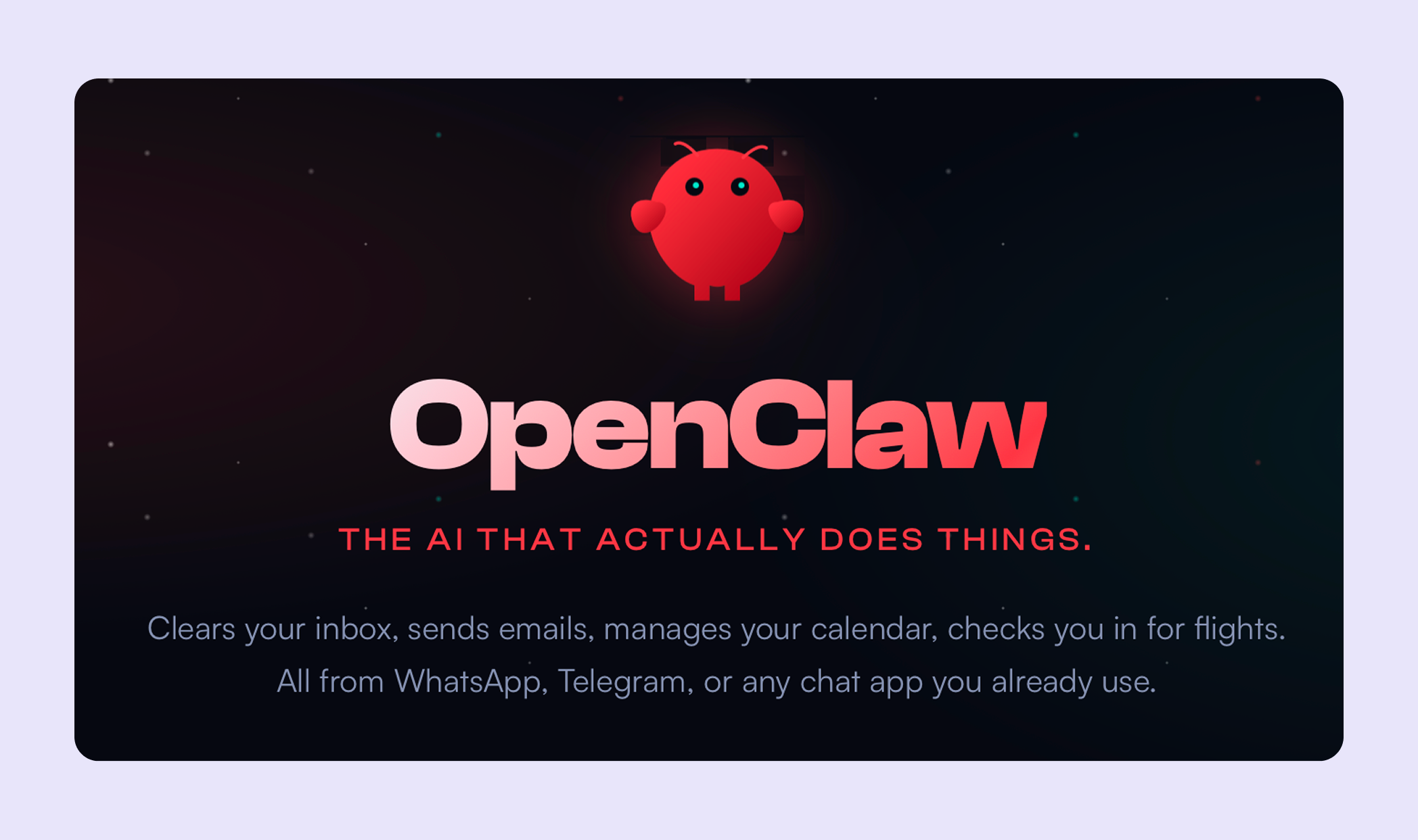
At its core, OpenClaw is an autonomous agent that integrates with LLMs like Claude, GPT, or DeepSeek to reason based on context, execute tasks beyond simple conversations.
You can interact with it through messaging platforms you already use:
- Telegram
- Slack
- Discord
- Teams
Send it a message asking to check your calendar, and it does. Or tell it to unsubscribe from promotional emails, and it handles the entire process while you're doing something else.
The key difference from traditional chatbots is autonomy. OpenClaw doesn't just suggest actions or generate text. It provides browser control for navigating websites, filesystem access to read and manage documents, and the ability to run shell commands.
Architecture and deployment considerations related to OpenClaw
OpenClaw uses a self-hosted gateway model and it runs on hardware you control. People deploy it on:
- Mac Minis, Linux servers, Raspberry Pis
- Docker containers
- Cloud VMs with sandboxing
The system is model-agnostic. Bring your own API keys for Claude, GPT, or other commercial models, or run local models to keep everything on-premises. This matters for IT teams concerned about data sovereignty.
The security model operates with broad permissions by default:
- Filesystem access to read/write files
- Shell execution for commands
- Browser control for web interactions
These aren't bugs—they're what make the agent useful. But they require careful configuration because you're giving a system that processes external input significant control.
Resource requirements are lightweight (no GPU needed for basic operation). For proactive features like scheduled check-ins or background monitoring, the agent needs 24/7 uptime.
What IT teams are building with OpenClaw
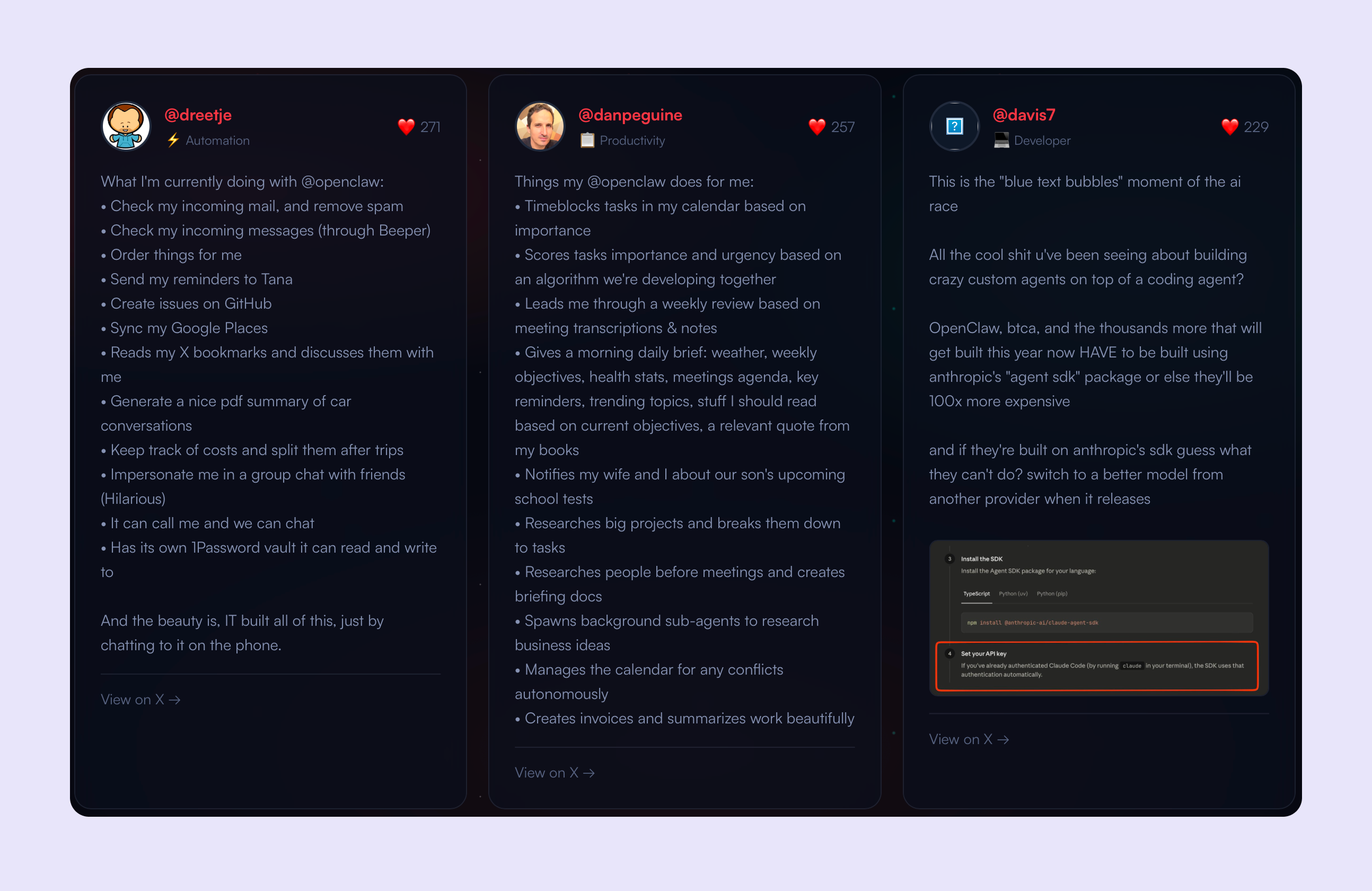
The real test of any agent platform is what people actually build with it. Here's what's happening in production environments:
DevOps and infrastructure automation
IT teams are using OpenClaw to manage GitHub workflows, auto-resolve errors through Sentry webhooks, and open pull requests autonomously. The agent can SSH into servers, capture logs, route alerts, and handle system monitoring without human intervention.
Email and communication management
Multiple users report clearing thousands of emails in the first 24 hours. The agent reads incoming mail, removes spam, creates GitHub issues from feature requests, and drafts responses. One user set up a daily cron that reads unread emails, sends summaries to WhatsApp, and auto-creates tasks in their CRM.
Calendar and scheduling operations
The agent time-blocks tasks by importance, manages conflicts autonomously, and sends morning briefings with weather, weekly objectives, health stats, meeting agendas, and relevant reading for current projects. One user had it remind them when to leave for appointments based on live traffic.
Research and documentation
IT teams are using it to research people before meetings and create briefing docs, spawn background sub-agents to research business ideas, and break down large projects into actionable tasks. One developer fed it 122 Google Slides and had it review and summarize everything for a town hall presentation.
Custom integrations and tool building
Users are building CLI tools, publishing them to npm, and creating custom skills for their specific infrastructure. One developer built a GA4 skill in 20 minutes, packaged it, and published to ClawHub so others could install it with a single command. The agent can discover services on your network (like HomePods) and build skills to control them autonomously.
OpenClaw security and governance risks
The power that makes OpenClaw useful also makes it dangerous. Security researchers have documented real vulnerabilities in production deployments.
Prompt injection and authorization gaps
OpenClaw processes external input from messaging platforms, emails, and webhooks. One security researcher on r/ArtificialSentience found an authorization gap in directive handling that leaves elevated commands (host execution, security level changes) accessible to unauthorized senders. An attacker who can message the agent could potentially create a malicious system prompt, enable hooks that swap it in, and gain persistent control across all future sessions.
Supply chain contamination
ClawHub (the skills marketplace) had 386 malicious skills as of early February 2026, with some developers uploading new malicious packages every few minutes. Bitdefender's research found that approximately 20% of available skills contain malicious code.
One Reddit user noted: "About 20% of available skills are malicious; we're tracking some developers that upload new malicious packages every few minutes."
The permissions model doesn't include good sandboxing. Skills run with the same access as the core agent, which means filesystem access, shell execution, and credential access.
Data exposure at scale
Multiple security firms have documented plaintext credential storage—API keys, WhatsApp session tokens, and service credentials stored in markdown and JSON files. Over 4,500 publicly exposed instances were discovered, with at least 8 confirmed to be completely open with no authentication.
Enterprise spillover
IT security teams are finding OpenClaw on corporate networks where employees installed it without approval. The installations often have access to company email, calendars, file systems, and internal chat platforms.
Architectural concerns
Security researchers identified a built-in feature called "soul-evil" that can silently replace the agent's system prompt with an alternate file. The hook ships with every installation and can be enabled through the agent's own configuration tools.
Compliance and stability
For organizations subject to GDPR, SOC 2, or industry-specific regulations, OpenClaw presents compliance challenges. The rapid development cycle means frequent breaking changes, and the lack of formal security audits makes risk assessment difficult.
The system is explicitly not production-ready for non-technical users without extensive hardening. Even technical users report spending hours on security configuration, sandboxing, and credential isolation.
Should your organization deploy OpenClaw?
Yes, only if you have:
- Strong DevOps culture with engineers comfortable reading codebases and auditing dependencies.
- Security expertise to implement proper sandboxing, credential isolation, and network segmentation.
- Appetite for experimentation and tolerance for breaking changes as the project evolves rapidly.
No, if you're in:
- Compliance-heavy industries (healthcare, finance, government), where data exposure could trigger regulatory violations.
- Organizations with limited IT resources—this requires dedicated security hardening, not just installation.
- Environments with low risk tolerance, where a compromised agent could cause significant damage.
Maybe, if you want to learn:
- Deploy in a sandboxed, non-production environment first.
- Use dedicated hardware (old laptop, Raspberry Pi, cloud VM) with throwaway credentials and no access to production systems.
- Treat it as a research project to understand agentic automation before making deployment decisions.
The technology is genuinely innovative, but the security model isn't enterprise-ready yet. For IT teams, the value lies in learning what autonomous agents can do and preparing for when the ecosystem matures—not in today's production deployments.
The bigger picture: Agentic AI is coming to enterprise IT
OpenClaw is a preview of enterprise IT's future. The capabilities that make it compelling (autonomous execution, persistent memory, proactive monitoring, multi-platform integration) are exactly what IT teams need.
For CIOs, OpenClaw is a signal. Your employees are already experimenting with agentic automation.



Frequently asked questions
More resources on modern ITSM


.avif)